
PDF Tools
Convert, edit, organize, secure and optimize PDF files — all free, all in one place.
Not sure where to start? Tell Smart Workflows what you're trying to accomplish and get the right tools, in order.
Try Smart Workflows →PDF is the one format almost every important document eventually becomes — a submitted application, an invoice you need to keep exactly as sent, a report ready to share. The PDF Suite covers the entire lifecycle of that file: turning it into something else (Word, Excel, PowerPoint, images), reshaping it (merging, splitting, reordering, extracting pages), marking it up (watermarking, adding page numbers, redacting), and locking it down (password protection). Signing a document or comparing two versions of one now live in Business Suite, since those are things you do to a contract, not to a PDF specifically.
Most of these 31 tools run entirely in your browser, so your file is processed on your own device and never touches a server — a genuine privacy guarantee, not a policy promise. A handful of format conversions (PDF to Word/Excel/PowerPoint, and Compress PDF) need a dedicated conversion engine and carry a small per-use fee, shown upfront before you pay anything.
Who This Is For
- Students and job seekers assembling application documents
- Small business owners preparing contracts, invoices and reports
- Anyone who received a scan and needs it in an editable format
- Teams that need to watermark, redact or password-protect files before sending
All PDF Tools
🔄 Conversion
Turn a PDF into an editable Word document
Turn a Word document into a clean PDF
Pull tables out of a PDF into Excel
Turn a spreadsheet into a shareable PDF
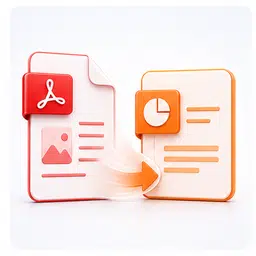
Turn PDF pages into editable slides

Turn a presentation into a PDF

Convert HTML code into a downloadable PDF
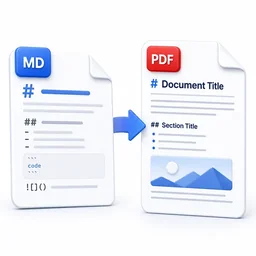
Turn Markdown into a clean, formatted PDF
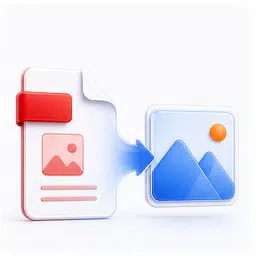
Turn each page of a PDF into a JPG or PNG image
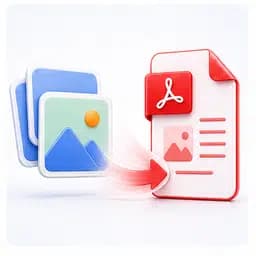
Combine JPG or PNG images into one PDF
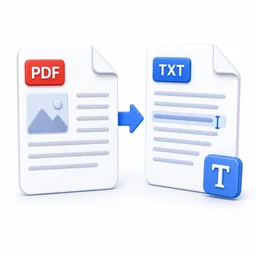
Pull all the readable text out of a PDF
✏️ Editing
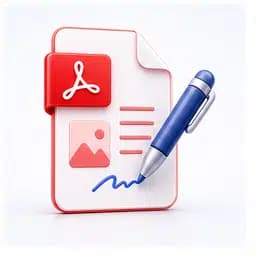
Click anywhere on any PDF and type text on it

Fill digital PDF forms with built-in fields
Add custom text watermarks to your PDF
Drag and drop pages into any order
Permanently redact sensitive info, or whiteout and correct mistakes
Highlight, draw, and add sticky notes right on the page
Stamp one PDF (like a letterhead) on top of another
📂 Organize

Combine multiple PDFs into one file
Break a PDF into individual pages

Rotate every page in a PDF
Delete specific pages from a PDF
Pull specific pages into a new PDF

Stamp page numbers onto every page
Trim the margins off every page
Pull the embedded images out of a PDF
🔒 Security

⚡ Optimization


Frequently Asked Questions
Explore Related Categories