
Utilities
Handy, focused tools for everyday tasks — QR codes, passwords, and text formatting.
Not sure where to start? Tell Smart Workflows what you're trying to accomplish and get the right tools, in order.
Try Smart Workflows →Utilities is the small, focused set of tools that don't fit neatly into documents, images, or business paperwork, but come up constantly anyway — a QR code for a menu or Wi-Fi network, a strong password for a new account, or a quick text reformat into a different case for code or a heading. Each one is a complete, polished tool in its own right rather than an afterthought bolted onto something else.
Everything here runs entirely in your browser: QR codes are generated and styled client-side, passwords are never transmitted anywhere, and text stays on your device while it's reformatted. There's nothing to install, nothing to sign up for, and no limit on how many times you use any of them.
Who This Is For
- Anyone creating a QR code for a menu, business card, or Wi-Fi network
- Anyone setting up a new account and needing a genuinely strong password
- Developers and writers reformatting text into a specific case
From the Learn Center
All Utilities
⚙️ All Utilities
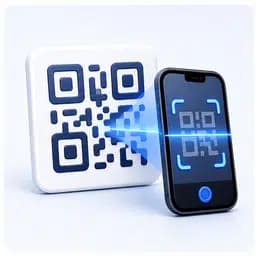
Create fully customizable QR codes with logos, gradients and scan validation
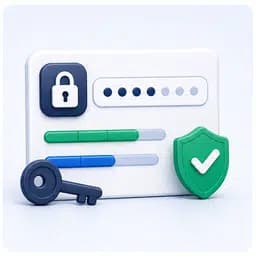
Generate secure passwords with live strength and entropy analysis
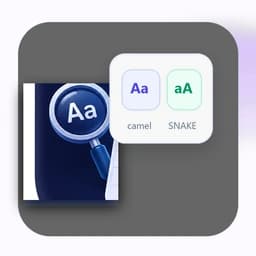
Instantly convert text into UPPERCASE, camelCase, snake_case and more
Translate text to Morse code and back, with audio playback and Learn/Practice/Challenge modes
Frequently Asked Questions
Explore Related Categories